


Every teacher's expertise,
for every student.
Create personalised learning materials for every student with developmental disabilities or delays.
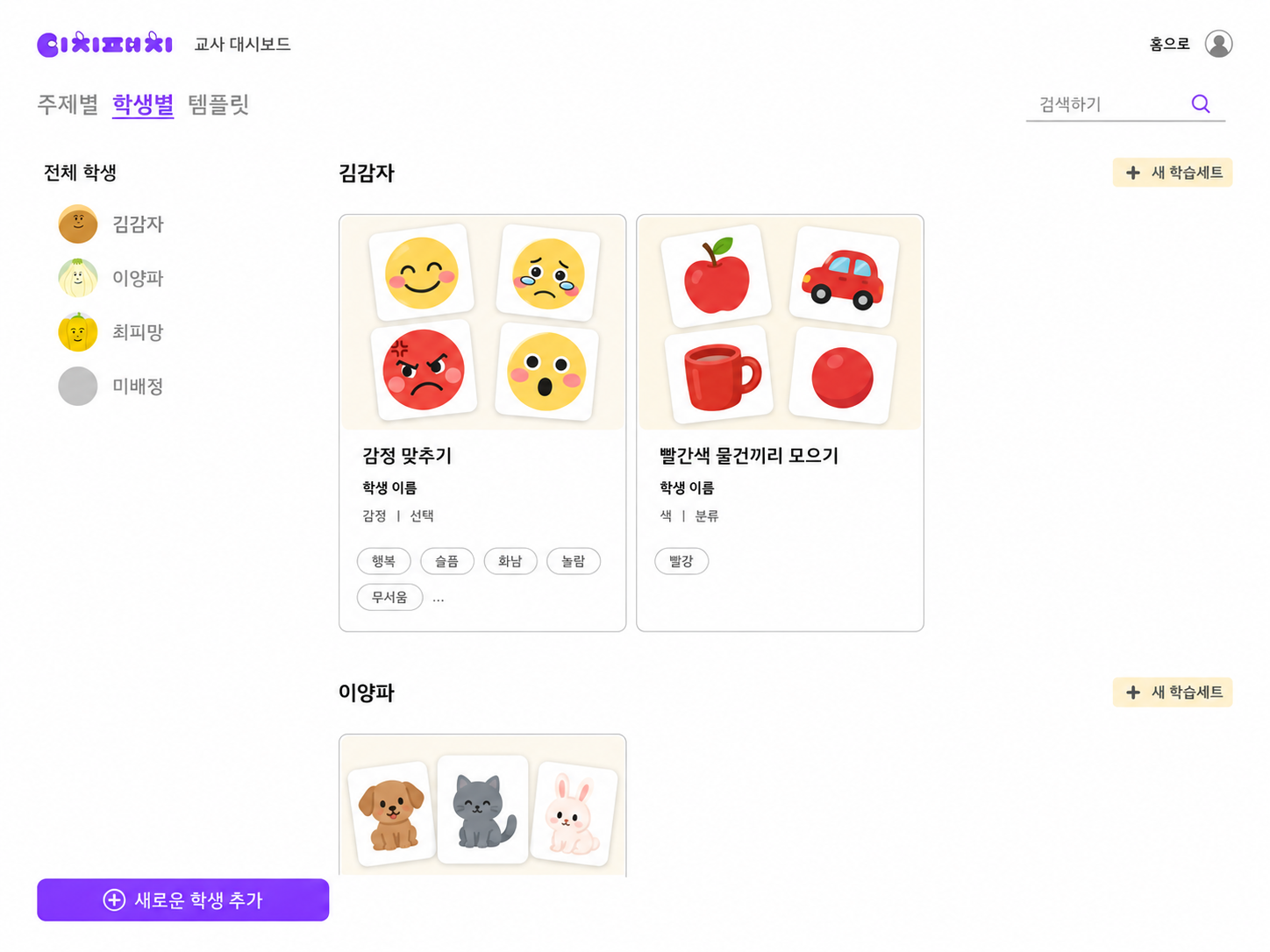
Name, email and role — done in seconds.
The lesson ends,
but the preparation doesn't.
Every student needs different materials, and existing sets rarely work as they are — so teachers spend the hours outside the lesson getting ready.
“In the beginning I really made learning materials day and night.”
“I want to build materials from the objects and people around a child, matched to their daily life.”
“Published sets get difficult too quickly. The steps in between end up being made by the therapist.”
“When a family wants to try it at home, I usually make two sets of materials and send one over.”
Translated from interviews conducted in Korean.
The workflow of the field, as it is.
Make the materials, record and read the performance, and carry the classroom's learning home.
-
01
Make the materials
Pick the pictures you need and build a set that fits the student's goal.
1,000+Over 1,000 built-in images, plus online search and your own uploads.
-
02
Record and analyse
Record what happens during the activity, and look at right and wrong answers together with the difficulties that repeat.
What's left is a basis for deciding the next session.
92%Recent accuracy and its trend, set by set.
-
03In progress
Carry it home
Connect the activity built in the classroom so it can continue at home.
Classroom HomeThe family-facing screen is not part of this beta.
Pick it, drop it, mark the answer.
Right and wrong feedback and the correction style can be set to suit each child.
1
1
2
2
2
1
2
1
1
3
2

Choose a type and bring library images onto the canvas one at a time.

Select an image to open the relation popup.
1Assign the answer, pair, group or order — both sides get the same badge.
1Deselect and the dotted line goes — the number badges stay. The activity is done.
Not just a record kept —
something to plan the next session from.
Beyond accuracy, we look at recurring errors and confusable types, and show the basis for deciding what to do next.
Time to move
to the next step?
92%
Recent accuracy
across 7 sets
- Result
Two sets in a row at 90% or above. Goal reached!
- Main error
Blue was mixed up with green twice.
- Recommended
Move on to the next step?
Right and wrong answers
- What went well?
- Red — correct 4 out of 5 times.
- What went wrong often?
- Blue — wrong 3 out of 4 times.
- When did errors happen?
- With 4 cards: wrong 3 of 5. With 2 cards: wrong 1 of 5.
- What was confused?
- Blue was mixed up with green twice.
How soon do they get it right?
45% were correct on the first try, unaided.
Side observations
- Decision
- Move on
- Keep going
- A bit more
- Check
- Change
So we designed the analysis this way.
-
01
We don't show results alone
The basis for the judgement comes with it.
Rather than accuracy and a recommendation on their own, you can see the repeated errors and the confusable types behind them.
-
02
One result is not a conclusion
Signals appear once enough has been recorded.
When there isn't enough data we don't rush the judgement — we say plainly that it needs a little longer.
-
03
The decision stays with the teacher
Analysis is evidence for the next choice.
TeachPatch suggests a direction — move on, keep going, check — but the goal and the next session are the teacher's call.
“I'm building the tool I wished existed while working with my students, and sharing it with educators who make a difference every day.”
Yoojin YeoBCBA-D · Product
I've worked with children with developmental disabilities and delays, making materials and writing down what happened. TeachPatch began as a way to cut that repetition and show the evidence for the next decision sooner.
The team
- Jisu LeeEngineering
- Sei JungDesign
Be the first to meet TeachPatch.
We'll send you the beta opening news first. Try it freely, and tell us what gets in the way.
The home-continuity screen is not included in this beta.


